The Pokémon GO Explorer Gadget can try to catch familiar Pokémon and spin PokéStops while you walk with the game running in the background. Trainers at level 20 or higher can use the in-game item once it reaches their account. Players have also reported seeing it work with the map open, a behavior that goes beyond the background use described in the official help article. Pokémon GO’s announcement · Official Explorer Gadget guide
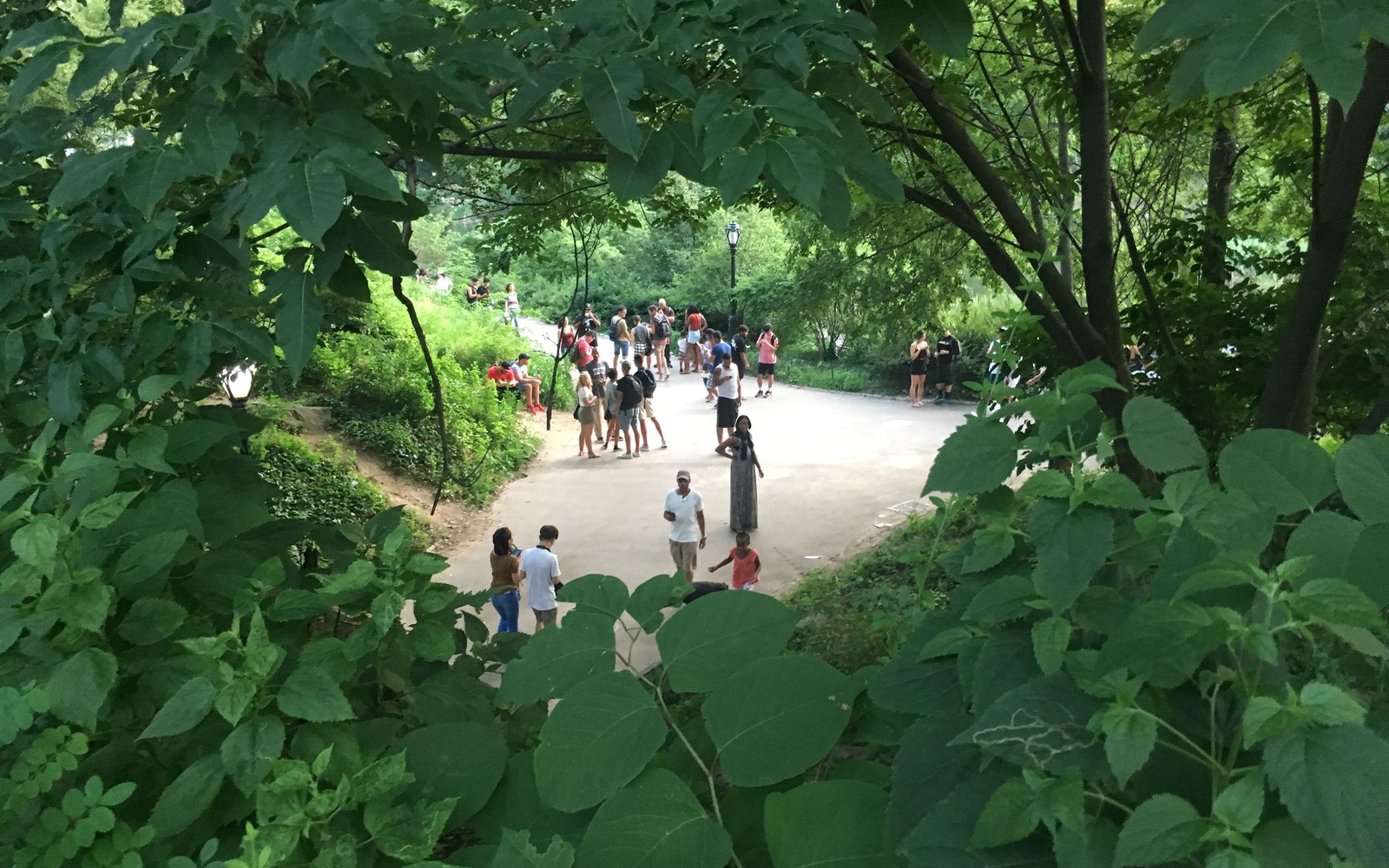
Pokémon GO players gather in New York’s Central Park in July 2016. oinonio via Wikimedia Commons, CC BY-SA 2.0, cropped.
How to turn on the Pokémon GO Explorer Gadget
- Tap the Explorer Gadget icon in the top right of the map. If it is missing, open your Item Bag and look under Key Items.
- Tap Use, then walk with the phone while Pokémon GO runs in the background.
- Use the map icon to pause or resume the Gadget and see the activity summary.
The Gadget uses standard Poké Balls. It skips mighty Pokémon and species you have yet to register, although the official guide says it can attempt to catch a different form of a species you have already registered. Daily catch and spin limits depend on your Trainer level. Official eligibility and activity rules
Why the Explorer Gadget is missing or has stopped working
- Missing icon. Check Key Items first. A paired accessory such as Pokémon GO Plus + can hide the map shortcut. If the item is missing from the bag too, check your Trainer level and keep in mind that access was announced as a phased rollout.
- Accessory still connected. Disconnect it before starting the Gadget. The two cannot run together. Connecting the accessory during an active Gadget session can disable the Gadget until the next day.
- No catches or spins. Check your standard Poké Ball supply and Pokémon storage for catches. For spins, check for room in your Item Bag. The activity summary can also help you see whether you reached a daily limit.
If you have room and supplies, make a short test walk past a PokéStop with the app in the background, then look at the summary. That tests the documented mode before you spend time troubleshooting behavior on the open map. Pokémon GO Help Center
What players reported about the Explorer Gadget update
In a September 23 discussion on The Silph Road, some players reported seeing a pink ball and countdown while Pokémon GO was open. Those observations point to possible foreground behavior on some accounts. As of November 2, the official guide still describes walking with the game in the background, so there is no published schedule in that guide for foreground access across accounts. The Silph Road player discussion · Official feature documentation